

What you can learn
Everyday Computer, Smartphone & Tablet Skills
We cover these topics and tailor the lessons to your individual interests and needs.
Computer & Windows basics
Start with your PC or laptop: keyboard, mouse, files, folders and common Windows tasks.
Android, iPhone & iPad
Get comfortable with smartphones, tablets, settings, photos and useful apps.
Email & Google Search
Write and reply to emails, search online and use everyday internet tools.
Video calls & messaging
Practice WhatsApp, Zoom, FaceTime, Messenger and Google video calls.
Social media & YouTube
Learn how to navigate Facebook, YouTube and other social apps.
Online safety & privacy
Understand scams, phishing emails, malware, antivirus and safer online habits.
Learning built around you
Personalized Training, Without the Pressure
We listen patiently, assess your needs and teach only the skills that matter to you. If you are new to technology, we can start with the basics. If you have one specific question, we can focus on it.
- One-to-one service available upon request
- Learn what you want to know
- No contracts, joining fees, call-out fees or minimum spend
- Practical guidance on scams and protecting yourself online

See how TechJockey teaches
Watch Our Seniors Technology Lessons in Action
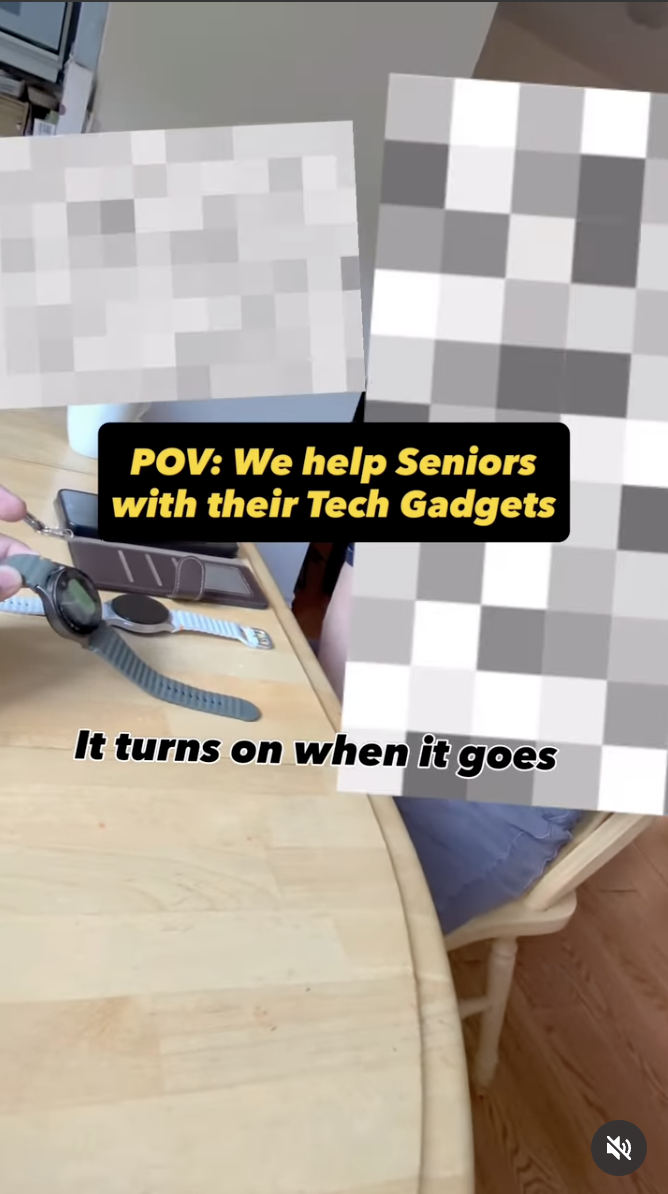
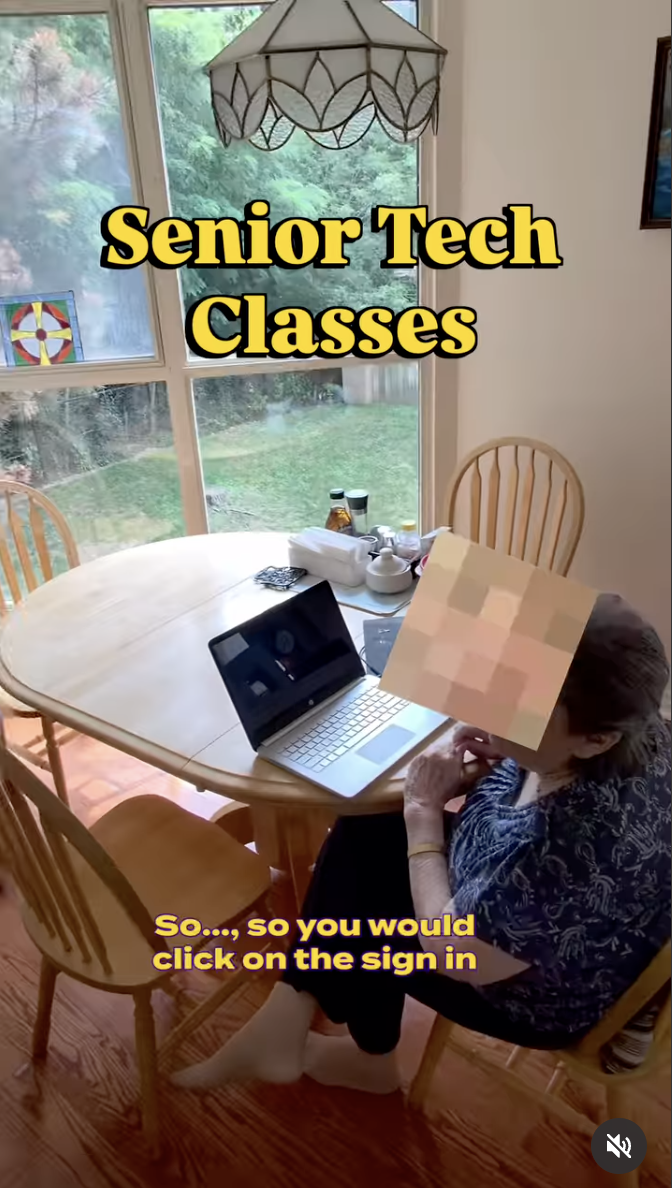
See examples shared on our Instagram page. Select a video to watch it on Instagram in a new tab.
Simple starting price
Our Training Price
Training starts at $49 per hour. Contact us for details and a quote for your needs.
Call to discuss a lessonMake progress your way
Custom Courses for Your Requirements
Need help with a specific task, app or device? Tell us what you would like to accomplish, and we can discuss a training plan that suits your needs.
A family member is welcome to contact us to discuss training needs for a parent or loved one.

Practical and supportive
Learn with Patient, Clear Instruction
Our teaching approach is designed for seniors and mature adults. We explain technology at a comfortable pace, answer questions and focus on everyday situations.
That might mean learning to send a photo, use email, join a family video call or recognize a suspicious message. There is no need to learn everything at once.
Feedback about TechJockey
What Our Customers Have Said
Real excerpts from TechJockey's published customer testimonials. The experiences below relate to technology help and installation services; they are not represented as reviews of these specific Toronto classes.

Helping a parent use technology
“help her switch the tv on and off as well as change channels using voice”
Eric G.
Orangeville · Home technology assistance
Professional technology setup
“we gifted some teaching hours for our senior citizen parents. they are pros now. thanks.”
Andrea A.
Toronto · Seniors Android Tech Classes
Celebrate your learning
Get Certified
The existing TechJockey course offers a certificate after completing your full training session, giving you a record of your progress and something to feel proud of.
Contact us to ask how certificates are provided for your chosen training.

For organizations and communities
Computer & Technology Classes for Retirement Homes Across Toronto and the GTA
TechJockey also provides computer and tech gadget classes for retirement homes. Tell us what residents would like to learn, and we can discuss suitable training sessions for your location.
Toronto & nearby areas
Retirement-home enquiries are welcome from Toronto, North York, Mississauga, Brampton and other GTA communities, subject to availability.
Also looking in Vaughan?
Explore our dedicated seniors computer and Android classes in Vaughan for related local training information.
We also receive enquiries from Orangeville, Guelph, Georgetown and communities across the Greater Toronto Area.
Helpful answers
Frequently Asked Questions
Do I need experience with computers?
No. The lessons include an introduction to computers for people who are completely new to them.
Can I learn on my own phone or tablet?
We cover Android phones, iPhone, iPad and other tablets. Tell us which device you use when you get in touch.
Can lessons focus on just one topic?
Yes. Training is personalized, so you can ask to focus on email, video calling, social media or another specific need.
How much do lessons cost?
Training starts at $49 per hour. Contact us for details about the lesson and your specific requirements.
Do you offer one-to-one lessons?
One-to-one training is available upon request. Contact us to discuss what works for you.
Do you teach online safety?
Yes. Guidance includes recognizing scams, phishing messages, malware and practical ways to protect yourself online.
Ready to Feel More Confident With Technology?
Tell us what you'd like to learn. We'll help you discuss the next step for seniors computer, Android, tablet and smartphone classes in Toronto.